
Share a page with your team
By Theron Gore · Updated October 2026
Share any page you own so colleagues can open it, edit it, publish it and download the PDF.
Find the page on My Pages
On your dashboard, open the My Pages tab and find the page.
Click Share
Click Share on the page’s row.
Choose who can open the page
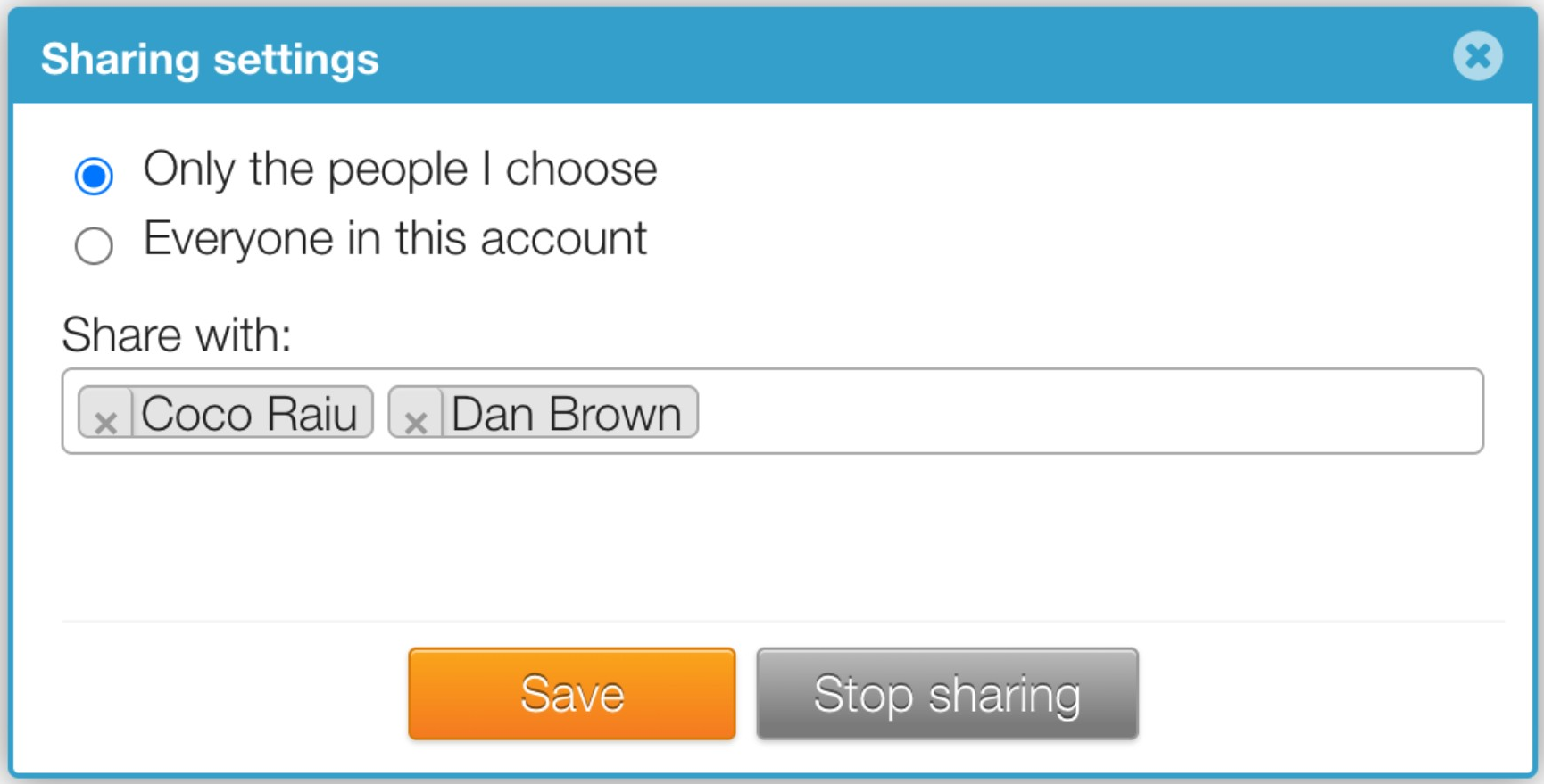
In Sharing settings, choose who can open the page:
- Only the people I choose: type your colleagues’ names in the Share with box.
- Everyone in this account: every user in your account can open the page.
Save
Click Save.
While a page is shared, its Share button shows a dot so you can see at a glance which pages are shared.
What people can do with a shared page
| Action | Page owner | People it’s shared with |
|---|---|---|
| Open and edit | Yes | Yes |
| Publish | Yes | Yes |
| Download the PDF | Yes | Yes |
| Change who it’s shared with | Yes | No |
| Transfer the page | Yes | No |
| Delete the page | Yes | No |
Stop sharing a page
- Click Share on the page’s row.
- Click Stop sharing.
The page is no longer shared, and your colleagues can no longer open it.
Good to know
- Only one person can edit a page at a time. If a colleague is working on your page, see When someone else is editing a page.
- Pages shared with you appear on your Shared With Me tab. See Find pages you share and pages shared with you.
- To make someone else the owner, see Transfer a page to someone else.
- Your account admin may have turned on account-wide sharing, or given some users access to every page. See Account-wide sharing settings (admins).
Did this solve your problem?
Still need help? Email support — 30-minute acknowledgment.
Get in Touch