
Transfer a page to someone else
By Theron Gore · Updated October 2026
Transfer a page to make another user its owner, for example when an account changes hands or you're heading out on leave. You can stay on the page to keep working on it.
Find the page on My Pages
On the My Pages tab, find the page.
Choose Transfer Page
Open the menu (⋮) at the end of the page’s row and choose Transfer Page.
Select the new owner
Under Transfer page to, select the new owner.
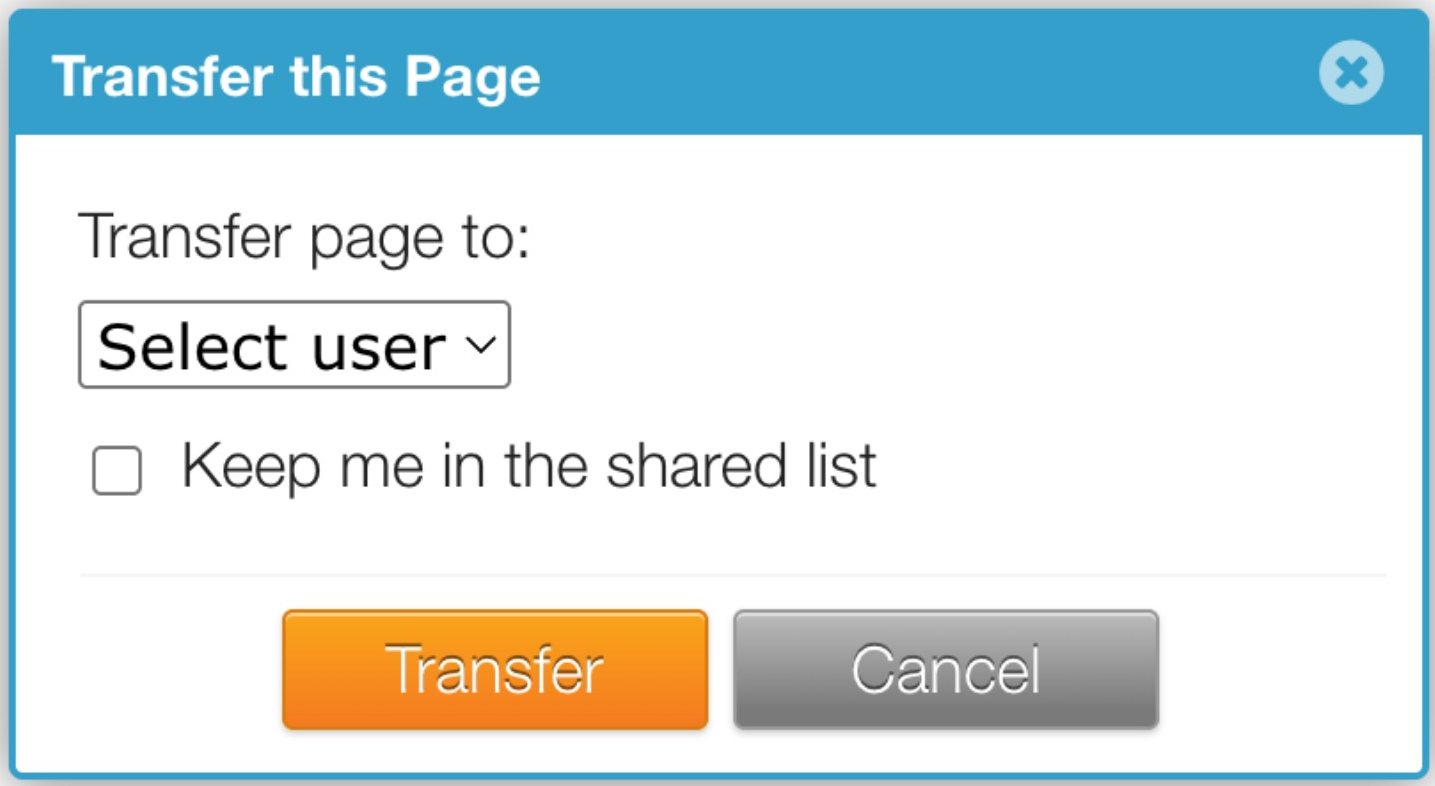
Decide whether to stay on the page
To keep working on the page, tick Keep me in the shared list.
Click Transfer
Click Transfer.
What happens next
| Keep me in the shared list ticked | Not ticked | |
|---|---|---|
| New owner | The person you selected | The person you selected |
| Where the page appears for you | Your Shared With Me tab | Leaves your dashboard |
| Can you still open, edit and publish it? | Yes | Only if the new owner shares it with you |
Good to know
- Only the page’s owner can transfer it.
- Once transferred, the new owner controls sharing and can transfer or delete the page. See Share a page with your team.
- Pages you stay on are listed with their new owner under Shared by. See Find pages you share and pages shared with you.
Did this solve your problem?
Still need help? Email support — 30-minute acknowledgment.
Get in Touch