
Account-wide sharing settings (admins)
By Theron Gore · Updated October 2026
Account admins can share every page in the account with everyone, and give selected users access to every page regardless of how it's shared.
Share every page with everyone
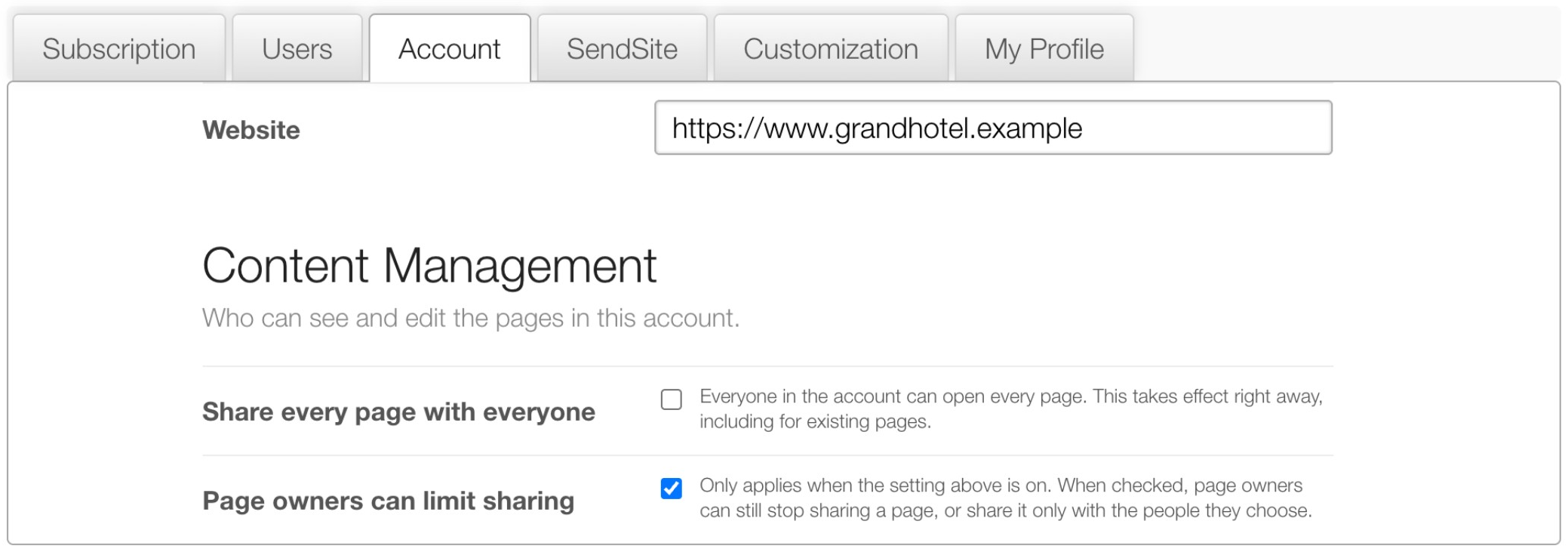
Go to Settings › Account › Content Management.
| Setting | What it does |
|---|---|
| Share every page with everyone | Everyone in the account can open every page. Takes effect right away, for new and existing pages. |
| Page owners can limit sharing | Applies only while the setting above is on. Owners can still stop sharing a page, or share it only with people they choose. |
Which combination to use
| Share every page with everyone | Page owners can limit sharing | Result |
|---|---|---|
| Off | (no effect) | Pages are private to their owner until the owner shares them |
| On | On | Every page is open to everyone by default, but owners can restrict individual pages |
| On | Off | Every page is open to everyone, and owners can’t restrict it |
Let a user open and edit every page
Use this for team leads, sales managers or anyone who needs to step into any proposal.
Open User Special Permissions
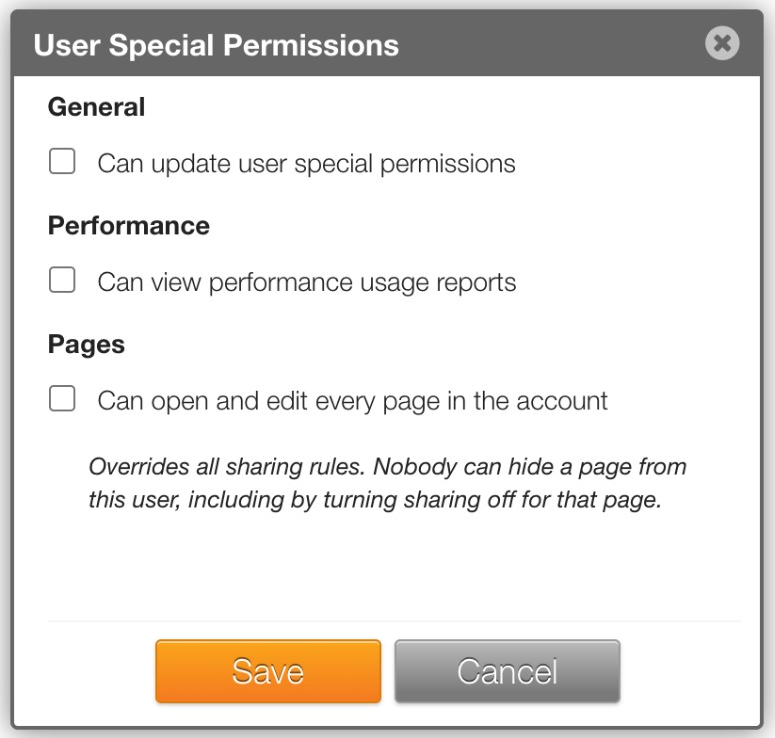
Go to Settings › Users and open the user’s User Special Permissions.
Allow access to every page
Under Pages, tick Can open and edit every page in the account.
Save
Click Save.
Warning
This permission overrides all sharing rules. Nobody can hide a page from this user, including by turning sharing off for that page.
Good to know
- Users with access to every page still follow edit locks: if someone else is editing, they request access or wait like everyone else.
- For how individual users share their own pages, see Share a page with your team.
Did this solve your problem?
Still need help? Email support — 30-minute acknowledgment.
Get in Touch